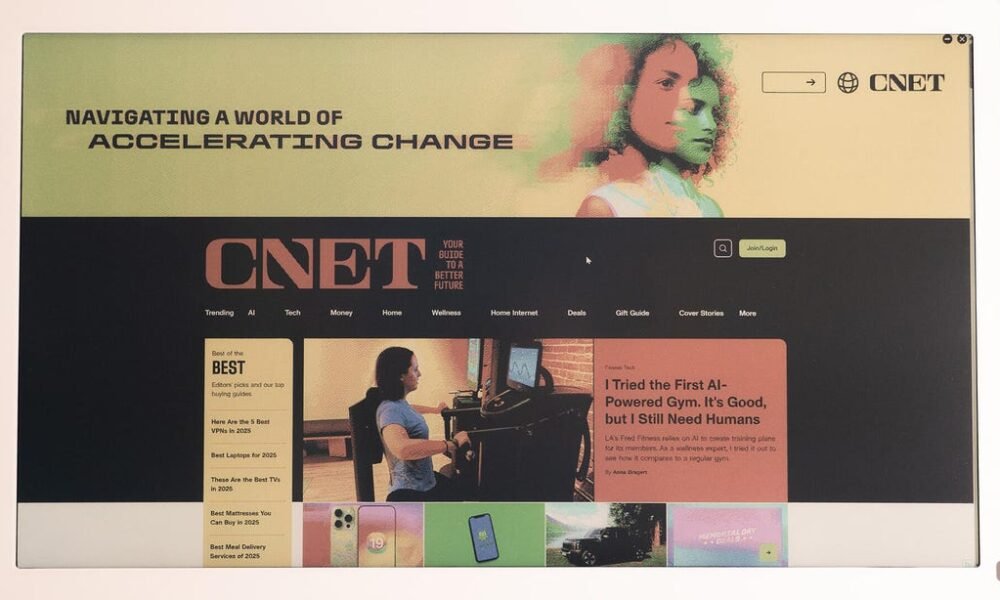
E Ink has come a long way. There are now a lot of cool applications of it, from pocketable e-readers like the Boox Palma 2 to fully fledged Android tablets with color layers like the Boox Note Air 4C. There’s plenty of appeal in a display that doesn’t require a glowing backlight. There’s less eye strain, no blue light concerns and easy viewing, even in direct sunlight.. The Bigme B251 monitor plays into that appeal with a 25.3-inch color E Ink display. It sounds and looks promising, but at $1,499, it needs to deliver on that promise. Unfortunately, I can’t say it does.. Not the display you’re hoping for. Mark Knapp/CNET. Testing the Bigme B251 may be my first time using an E Ink monitor, but it is far from my first time testing an E Ink device. I’ve seen the black-and-white contrast improve considerably over the years, but E Ink displays with a color layer lag behind. The B251 is one of these, putting a color LCD layer over an E Ink layer. This negatively impacts the brightness as a result.. One of the key promises of E Ink is that you can rely on ambient light to illuminate the display, so you don’t need a built-in backlight like a traditional monitor. The problem is that the color layer dims the display so much that you need lighting unless you’ve got your back to a wall of sunlit windows.. For me, even in a comfortably lit room near a sunny window, the Bigme B251 was too dim without its lighting. That lighting is gentle on the eyes and has an adjustable color temperature.. While 3,200×1,800 resolution on a 25.3-inch display should be decent, clarity still ends up an issue because of the color layer and ghosting. Even the text clarity of black-and-white content isn’t up to snuff, with text showing noticeable pixelation.. Black text on a white background is the best-case scenario, but white text on a black background is barely legible. Bigme claims a 300ppi E Ink resolution and a 150ppi color resolution, but I’m skeptical. This should be as sharp as a 15.3-inch display at 1200p, but I’m using one side-by-side with the Bigme, and the latter doesn’t look as sharp.. Mark Knapp/CNET. The B251 offers a few different image modes to help nudge it in the right direction when viewing different types of content. For web browsing, there’s the aptly named “web” mode. There are also modes for text, images, and video. Each has some customization available for contrast and saturation, but they have locked refresh rates.. The “image” mode offers the best clarity, but it has a very slow refresh rate, maybe about 1Hz. Mousing around is virtually impossible. Though “video” mode is smoother, it’s incredibly blotchy. The videos themselves appear somewhat fluid, but the rest of the display becomes largely unusable, especially as ghosting artifacts persist permanently if a pixel isn’t refreshed with new content.. The “text” and “web” modes offer a nice middle ground, but still aren’t completely satisfying. Outside of the “image” mode, the others have a heavy reliance